Hunter Christian School
Welcome to all things Information Technology Related.
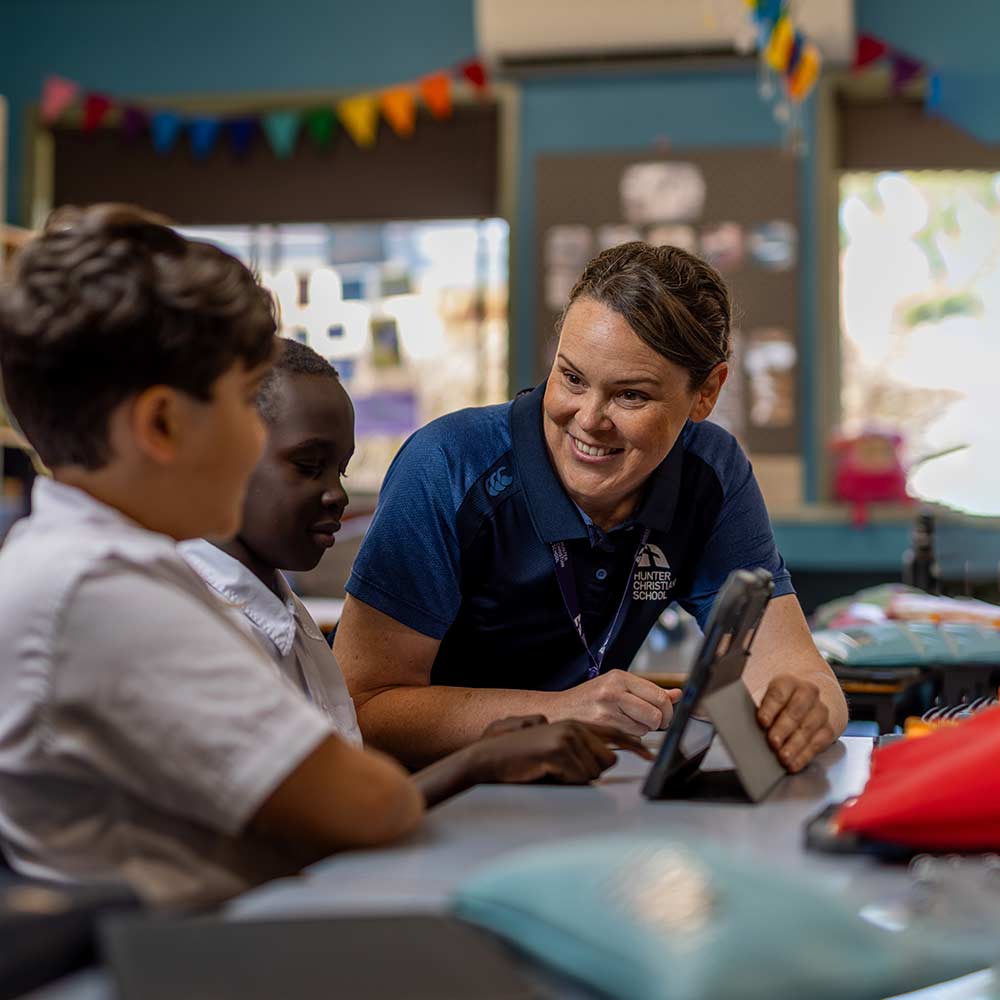
Technology empowers learning, communication, and community across our school. My role spans everything from the devices in our students’ hands to the networks, systems, and platforms that keep HCS running smoothly every day. I believe technology should feel invisible when it’s working well, and that when it doesn’t, you should always know exactly where to turn.
I’ve built our ICT services around an open door philosophy — no question is too small, no problem too complex, and no one should ever feel alone when technology gets in the way of what matters.
Whether you’re a student trying to access Canvas, a staff member wrestling with a printer, or a parent wanting to understand how our digital tools support your child’s education, I’m here to help.
I’m committed to keeping Hunter Christian School at the forefront of educational technology — not for technology’s sake, but because the right tools, used well, genuinely transform teaching and learning.
Technology is a ministry of service — and serving this community well is something I take genuinely seriously.
Useful Links
Get Connected

Canvas Staff & Students
Your one-stop hub for lessons, assignments, and resources -keeping students and staff connected and on track every day.
StudentCafe
Everything students need, right at their fingertips — timetables, results, attendance, and more, all in one easy portal.
Microsoft 365
Your essential toolkit for school — write, present, collaborate, and communicate with the apps you need, all synced and ready wherever you are.
Chemwatch
A comprehensive chemical safety platform giving staff instant access to Safety Data Sheets, risk assessments, and hazard information to keep our school environment safe and compliant.

OnGuard v3
A streamlined work health and safety management system that helps staff report incidents, manage hazards, and keep our school’s WHS records organised and up to date.

Pulse
Pulse helps schools build a culture of collaborative learning that drives meaningful improvements in teaching quality and student outcomes.
Community
Parent Links
Below you’ll find quick links to the key platforms and tools used at Hunter Christian School — designed to keep you informed, connected, and involved in your child’s education.

Canvas - Parents
Stay connected to your child’s learning with instant access to grades, assignments, and class updates, all in one place.

Parent Lounge
Stay informed and involved in your child’s school journey with easy access to reports, attendance, timetables, and more.

SeeSaw
A vibrant digital portfolio where students showcase their learning journey through photos, videos, and creative work, keeping parents connected to every milestone.
Academic
Staff Links
Below you’ll find quick links to the key platforms and tools used at Hunter Christian School — designed to keep you informed, connected, and involved in your child’s education.
Canvas - Teachers
Stay connected to your child’s learning with instant access to grades, assignments, and class updates, all in one place.
Teacher Kiosk
Access your classes, attendance, student profiles, reports, and school data — all in one place.
Microsoft 365
Your essential toolkit for school — write, present, collaborate, and communicate with the apps you need, all synced and ready wherever you are.
Powering Learning Behind the Scenes
Hunter Christian School use a carefully selected suite of digital tools to support learning, communication, and wellbeing — making it easy for students to engage with their education and for parents to stay informed and connected every step of the way.